
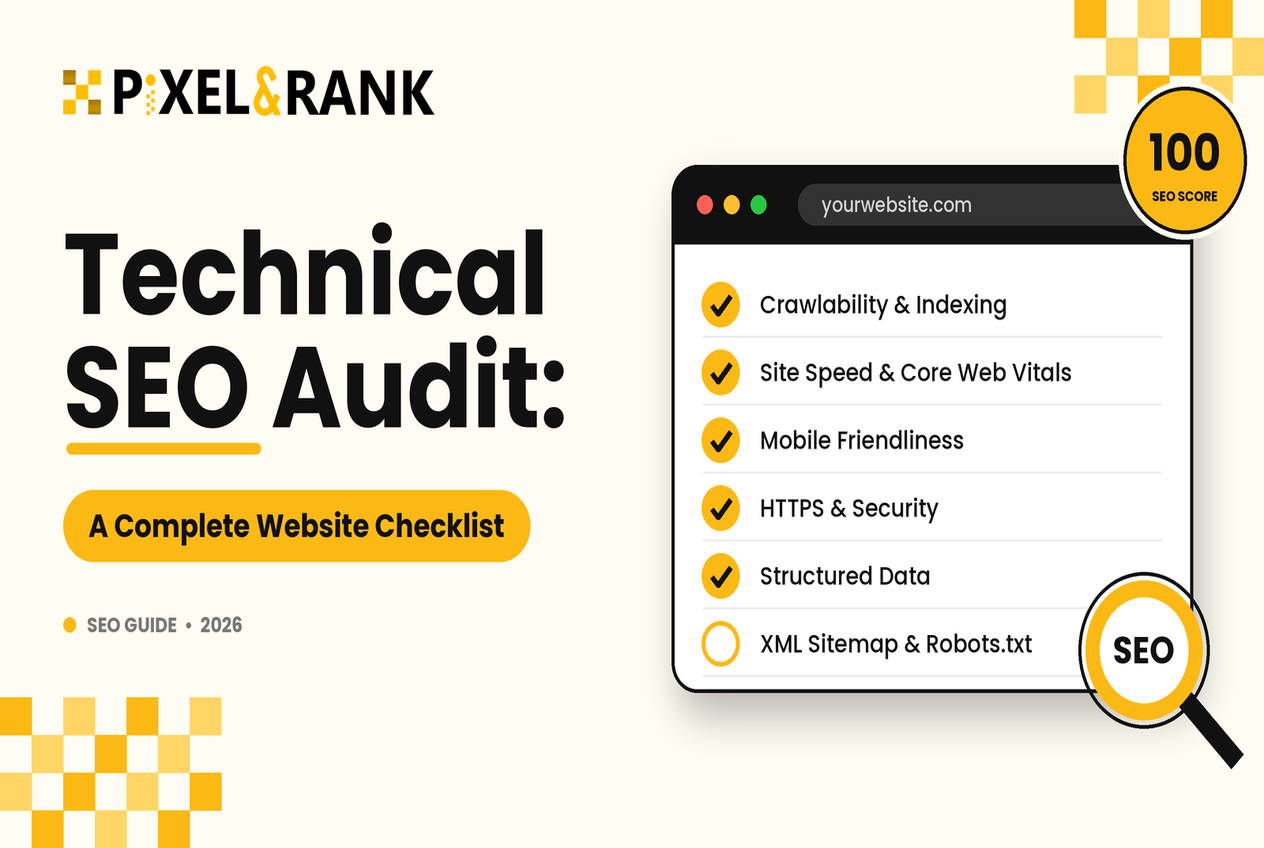
A website can look professional, offer excellent content, and still struggle to appear in search results. Sometimes, the problem is not what the website says but how easily search engines can access, understand, and index its pages.
This is where a technical SEO audit becomes valuable. It helps identify problems that may prevent search engines from discovering important pages or delivering a smooth experience to visitors.
Whether you run a small business website, a WordPress blog, or a large online store, understanding your website’s technical health is essential for sustainable organic growth.
In this guide, we’ll explain the most important areas to review, how to identify common issues, which tools can help, and when professional support may be worthwhile.
What Is a Technical SEO Audit?
A technical SEO audit is a systematic review of a website’s technical setup to identify issues affecting crawling, indexing, website performance, and search visibility.
Unlike a content audit, which focuses on the quality and relevance of written material, a technical audit examines how the website is built and how search engines interact with it.
A typical website technical SEO audit examines:
- Whether search engine crawlers can access important pages.
- Whether the right pages can be indexed.
- Whether canonical tags identify preferred URLs correctly.
- Whether internal links and site structure support discovery.
- Whether pages load quickly and work well on mobile devices.
- Whether structured data is implemented accurately.
- Whether broken links, redirects, and server errors need attention.
For example, a service page may contain valuable information but remain excluded from search results because an accidental noindex directive tells search engines not to index it.
A technical audit helps uncover this kind of issue so you can make informed improvements.
Why Is a Technical SEO Audit Important?
Technical problems can affect how search engines discover and interpret your website. They can also frustrate visitors when pages load slowly, links lead nowhere, or navigation becomes confusing.
A regular SEO website audit helps you identify these problems before they undermine your wider SEO efforts.
It can help businesses:
- Improve access to important pages.
- Identify indexing and duplication problems.
- Strengthen website navigation and internal linking.
- Improve page speed and user experience.
- Reduce errors that waste visitors’ time.
- Establish a clear priority list for technical improvements.
An audit does not guarantee higher rankings. However, resolving genuine technical barriers helps create a stronger foundation for content and other SEO activities.
Complete Technical SEO Audit Checklist
1. Check Website Crawling and Accessibility
Search engines discover pages by crawling links and other known URLs. If important pages cannot be accessed, they may be difficult to discover or understand.
A website crawlability audit should begin by checking whether your key pages return the correct responses and whether search engine crawlers can access them.
Review these items:
- Check robots.txt for rules that unintentionally block important sections.
- Crawl the website to discover inaccessible pages.
- Identify server errors, redirect loops, and unexpected response codes.
- Confirm that important pages have crawlable internal links.
- Check whether essential content is accessible without complicated interactions.
A common example is blocking an entire product directory in robots.txt during a website update. Search engines may then be unable to crawl those product URLs.
Use Google Search Console’s URL Inspection tool to investigate specific pages and understand how Google accesses them.
Remember: robots.txt controls crawling, not reliable removal from search results. A blocked URL may still be indexed under some circumstances. Use the appropriate indexing controls for your specific goal.
2. Review Indexing and Canonical Tags
Crawling and indexing are different processes. A search engine can crawl a page without including it in its index.
A website indexing audit should identify which important URLs are indexed, which are excluded, and why.
Look for website indexability issues such as:
- Accidental noindex directives.
- Pages blocked from crawling that need to be accessible.
- Important pages returning errors.
- Duplicate URLs with inconsistent signals.
- Pages that have no useful internal links.
- Canonical tags pointing to the wrong destination.
Canonical tags are especially important when similar content is accessible through multiple URLs.
For example, an ecommerce product may appear at several URLs because of tracking parameters or sorting options. A canonical tag can indicate the preferred version, helping search engines consolidate signals where appropriate.
However, canonical tags are hints rather than absolute commands. Google may choose a different canonical URL if its other signals suggest another version is more appropriate.
Review canonical tags, redirects, sitemap entries, and internal links together rather than treating each signal separately.
3. Inspect Your XML Sitemap and Robots.txt
An XML sitemap helps search engines discover URLs that you want considered for indexing. It should contain preferred, canonical URLs that are relevant and accessible.
During an XML sitemap audit, check that:
- Important, indexable URLs are included.
- Redirecting and error URLs are excluded.
- Sitemap entries use the correct HTTPS version.
- Removed pages are taken out when appropriate.
- The sitemap is accessible and submitted through Google Search Console.
Next, conduct a robots.txt audit to make sure crawling rules match your intentions.
For instance, a development rule that blocks /services/ may accidentally remain in place after a website launches, preventing crawlers from accessing important service pages.
Sitemaps and robots.txt serve different purposes: a sitemap suggests URLs to discover, while robots.txt controls which paths a compliant crawler may request. Neither guarantees indexing.
4. Evaluate Website Structure and Internal Links
A well-organized website helps users navigate and search engines understand how pages relate to each other.
A website structure audit should assess the hierarchy of pages, navigation menus, URL patterns, and internal links.
For example, a digital marketing website might organize its content as follows:
- SEO Services
- Technical SEO
- Local SEO
- Keyword Research
- SEO Resources
- Technical SEO Guides
- Content Optimization Tips
- Website Audit Checklists
Use descriptive anchor text and ensure important pages are reachable through standard HTML links.
Avoid burying valuable pages several clicks deep without a good reason. Fix orphan pages—pages that have no internal links pointing to them—and remove unnecessary navigation complexity.
The goal is not to make every page equally close to the homepage. It is to create a logical structure that reflects user needs and business priorities.
5. Test Page Speed and Core Web Vitals
A slow website can frustrate visitors, particularly on mobile devices or unreliable connections.
A website speed audit evaluates loading performance, responsiveness, and visual stability. It should include Google’s Core Web Vitals, which measure real-world user experience.
The three Core Web Vitals are:
- Largest Contentful Paint (LCP): measures how quickly the main content appears.
- Interaction to Next Paint (INP): measures responsiveness to user interactions.
- Cumulative Layout Shift (CLS): measures unexpected visual movement.
Google’s current good thresholds are LCP at 2.5 seconds or less, INP at 200 milliseconds or less, and CLS at 0.1 or less, assessed at the 75th percentile.
During a Core Web Vitals audit, investigate oversized images, render-blocking resources, excessive JavaScript, slow server responses, and elements that shift unexpectedly as the page loads.
Tools such as PageSpeed Insights and Lighthouse can help identify potential improvements. Use field data where available, because laboratory test results may differ from real visitors’ experiences.
6. Validate Structured Data
Structured data provides search engines with explicit information about the content of a page. Depending on the page type and eligibility requirements, it can help search engines understand information such as products, articles, and organization details.
Check that your markup:
- Matches the visible content.
- Uses the appropriate schema type.
- Contains valid properties.
- Does not include misleading or fabricated information.
- Is tested after major website changes.
Google’s Rich Results Test can help identify supported rich-result markup issues.
Structured data does not guarantee enhanced search listings or higher rankings. Use it to describe real content accurately rather than adding markup simply to chase search visibility.
7. Find Broken Links, Redirect Problems, and Duplicate URLs
Broken links create a poor user experience and can make it harder for visitors and crawlers to reach useful content.
A broken links SEO audit should identify internal links that lead to missing pages, redirect chains, loops, and outdated destinations.
For example, if an old service page has been replaced, update internal links to point directly to the relevant new page. Where appropriate, redirect the old URL to its closest equivalent.
Do not redirect every deleted page to the homepage. If no relevant replacement exists, returning a proper 404 or 410 response may be more appropriate.
Also review HTTP versus HTTPS versions, www versus non-www versions, trailing slashes, and parameter-based URLs. Consistent redirects and canonical signals help reduce unnecessary duplication.
Which Tools Can Help With a Technical SEO Audit?
Several tools can help you find and prioritize issues.
| Tool | What it helps you check |
| Google Search Console | Indexing, URL inspection, search performance, and crawl-related reports |
| Screaming Frog SEO Spider | Broken links, redirects, metadata, canonical tags, and crawl discovery |
| PageSpeed Insights | Page performance and Core Web Vitals field data where available |
| Google Lighthouse | Performance, accessibility, and other technical checks |
| Rich Results Test | Supported structured data and rich-result eligibility issues |
Your choice of technical SEO audit tools depends on website size, budget, and technical experience. No single tool identifies every issue, so combine automated reports with manual checks.
How to Perform a Technical SEO Audit Step by Step
If you’re wondering how to perform a technical SEO audit, follow this practical process:
- Establish a baseline: Review Search Console, analytics, important landing pages, and current website performance.
- Crawl the website: Identify broken links, redirects, missing metadata, duplicate URLs, and inaccessible pages.
- Check indexing: Investigate important URLs that are excluded or not indexed.
- Review technical signals: Validate canonicals, robots.txt rules, XML sitemaps, and internal links.
- Test performance: Use PageSpeed Insights and relevant field data to identify user experience problems.
- Validate structured data: Check supported markup and correct any errors.
- Prioritize fixes: Address critical access and indexing problems first, followed by duplication, performance, and lower-impact improvements.
- Recheck the results: Confirm that changes work and monitor the website for recurring problems.
Document each issue, its affected URLs, business impact, recommended fix, and priority. This turns your audit into a practical action plan rather than a long list of technical warnings.
Should You Get a Professional Technical SEO Audit?
Some website owners can resolve basic issues themselves. Larger websites, online stores, and websites with complex indexing or JavaScript problems may require more detailed investigation.
An ecommerce technical SEO audit may need to examine faceted navigation, product variants, pagination, out-of-stock pages, and duplicate category URLs.
A WordPress technical SEO audit may also include plugin conflicts, theme-generated metadata, sitemap configuration, caching, and unnecessary scripts.
Professional technical SEO audit services can help businesses identify root causes, prioritize fixes, and develop an implementation plan. A reliable audit should explain what is wrong, why it matters, and how the issue can be resolved.
The right SEO site health check should focus on meaningful problems rather than treating every automated warning as equally important.
Strengthen Your Website With Pixel & Rank
Technical problems can be difficult to spot when your website appears to work normally. A structured audit helps uncover hidden barriers and provides a clearer path toward improving your website’s technical health.
At Pixel & Rank, we can help review your website’s crawling, indexing, site structure, page speed, structured data, and other technical SEO essentials.
Whether you need help resolving specific errors or want a comprehensive review before investing further in SEO, a professional assessment can help you understand what needs attention first.